Quick answer
Most Bangladesh Facebook Page COD sales happen in Messenger. WooEasyLife brings that Page inbox into WordPress admin—not a corner chat bubble, not a ManyChat-style storefront widget. Sync one Page;
work All/Unread, lead labels, text/image/voice replies, then fraud-check before you confirm.
The human inbox is the shipped core. AI Semi may draft suggestions—you still send. AI Full is not unlocked for everyone; we do not advertise a Meta AI Bot. Start: Pricing.
Page COD guide: Facebook Page COD management.
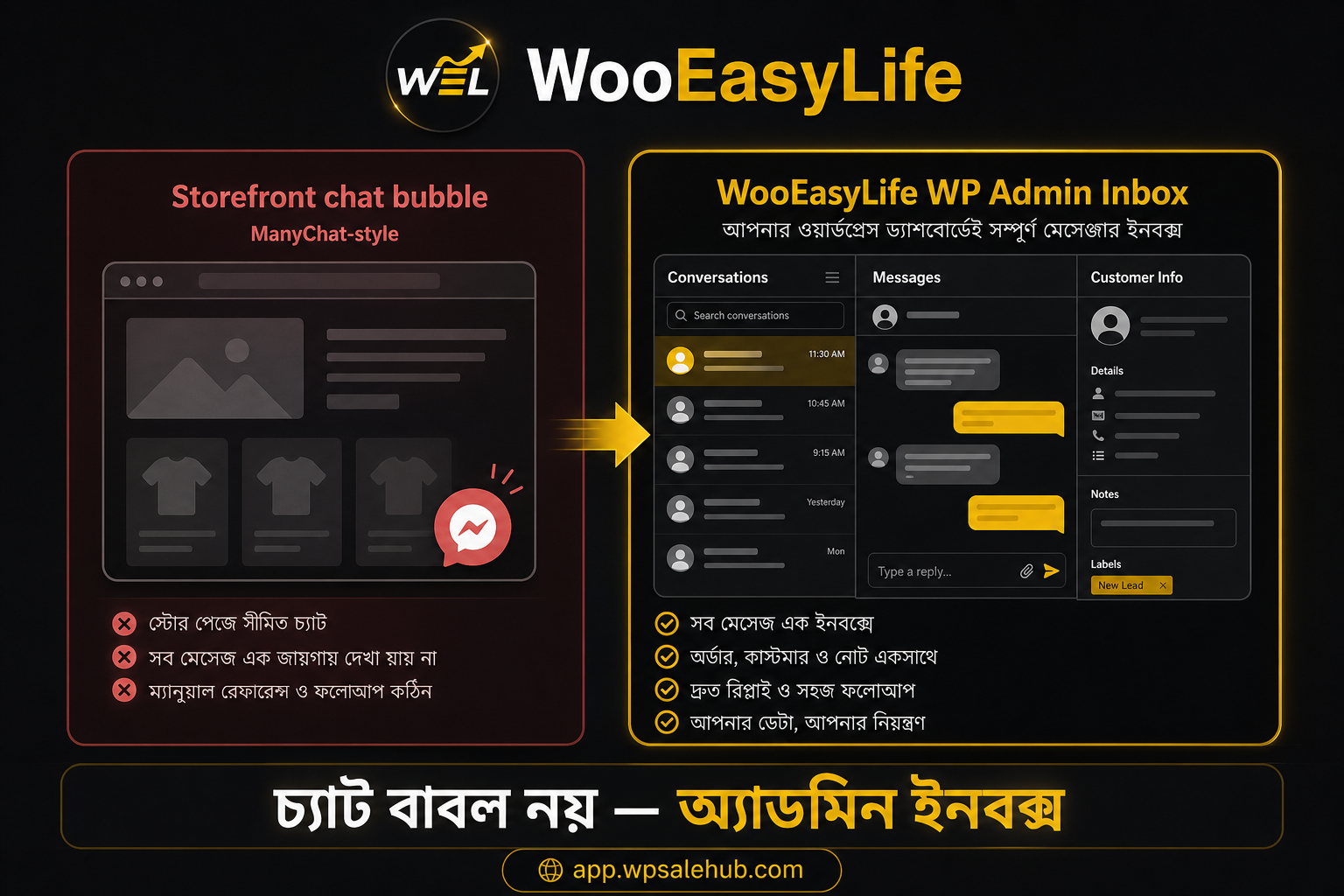
What made the workday annoying
Morning opens on Meta Business Suite Inbox—a pile of new threads. Price questions, half addresses, “I will order” with no phone. Chat in one tab, WooCommerce in another, hot leads in a spreadsheet.
One missed reply and the sale is gone.
A website Messenger bubble helps visitors start a chat—but you still answer in Meta Inbox. Order create, fraud check, and courier entry stay elsewhere. Bubbles help shoppers; they rarely shrink your ops mess.
ManyChat and page-order bots are strong at flows and comment-to-DM. If you already run WooCommerce, you need the inbox beside the store: labels, phone, confirm, then courier in the same plugin family.
That is the gap this page fills.
Another real pain: night shift replies, morning shift asks the same customer for their name again—without labels and lead fields that duplicate is normal.
Labels plus a captured phone tell the next person what already happened.
A real morning—from message to confirm
Three Unread threads. One asks if a product is available—you reply by text or voice and move NEW → ENGAGED. Another sends name, mobile, address—QUALIFIED. A browser stays in NURTURE for later follow-up.
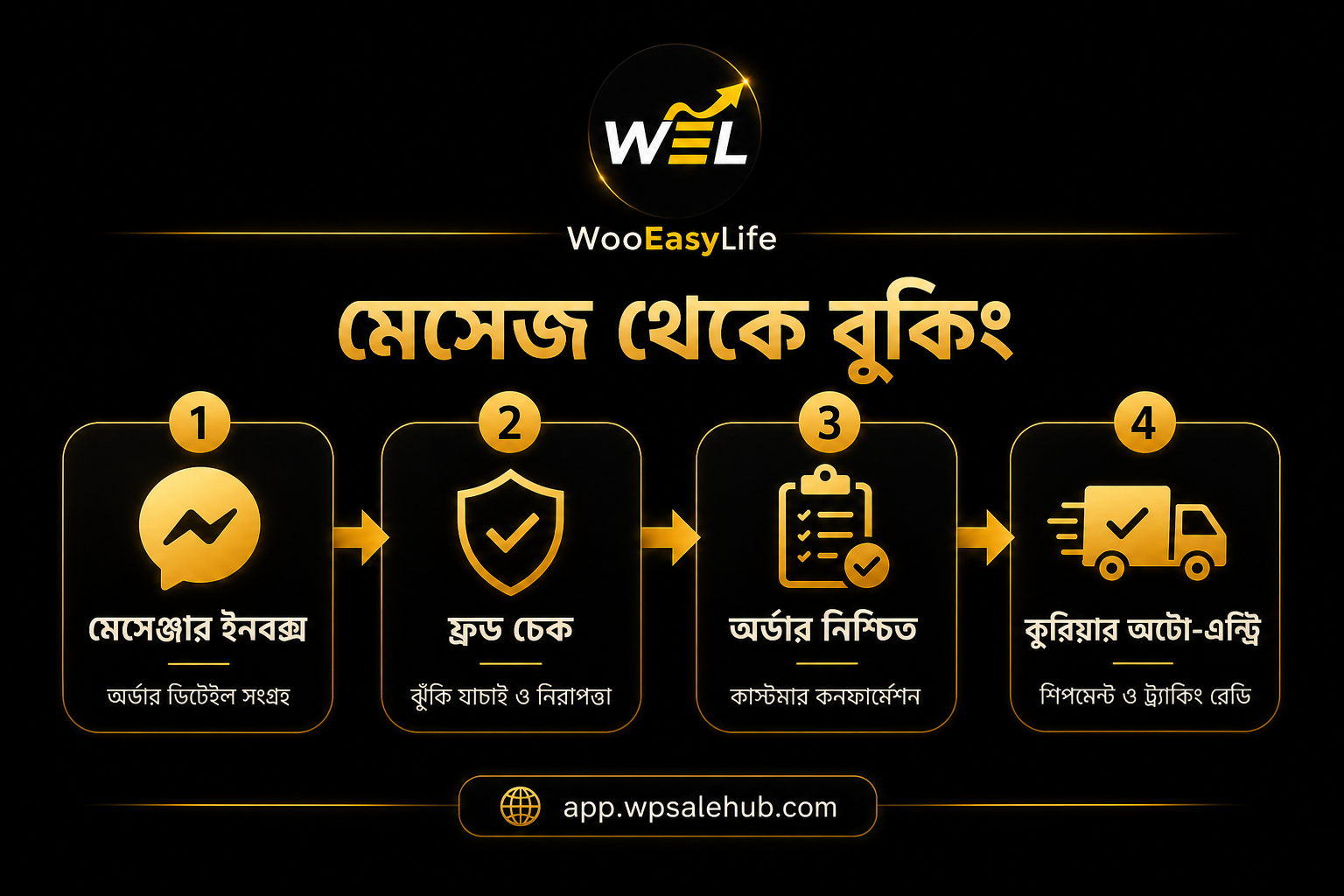
On the QUALIFIED thread, check the phone on BD Fraud Checker or Fake Customer Check before confirm. If safe, confirm in WooCommerce; keep Courier Auto Entry on. Repeats: Fake Order Protection.
No separate Facebook app dance for daily replies. Courier returns are a different story—SteadFast cancel requests live on English Return Hub (app.wpsalehub.com/en/steadfast-return-hub).
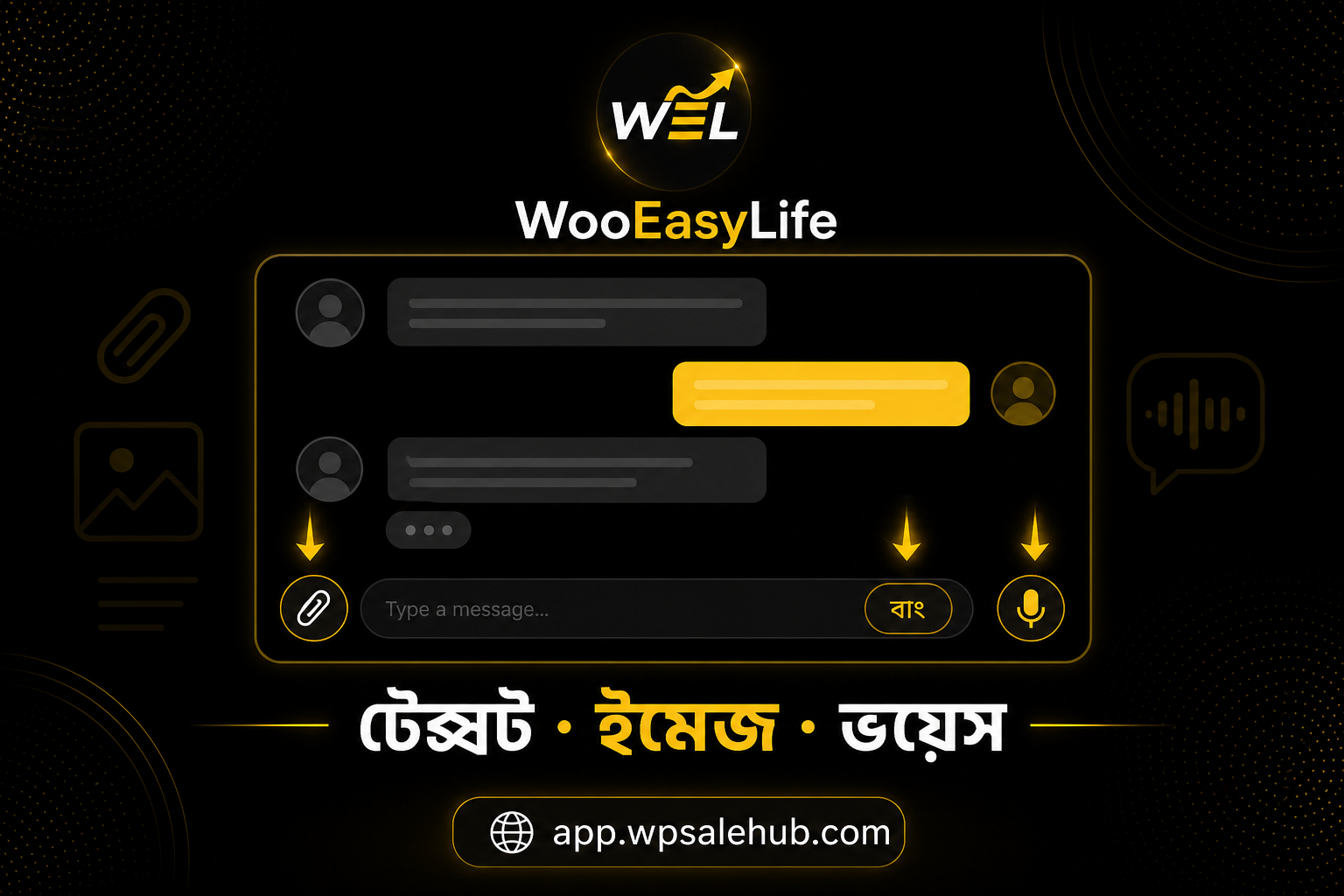
What you see in the inbox
Left: conversation list with Search, All, and Unread. Unread badges show what still needs eyes—start there on busy mornings. Center: the thread. Right: contact and lead pane.
Lead labels—NEW, ENGAGED, QUALIFIED, NURTURE, plus negotiation, converted, lost, spam—color the queue so the team sees heat at a glance. Manual override always wins; AI may hint at funnel state, you decide the label.
Sync and Disconnect sit up top. v1 is one connected Page—multi-Page inbox is not a claim here. Tokens live on the hub; threads stay local in WP.
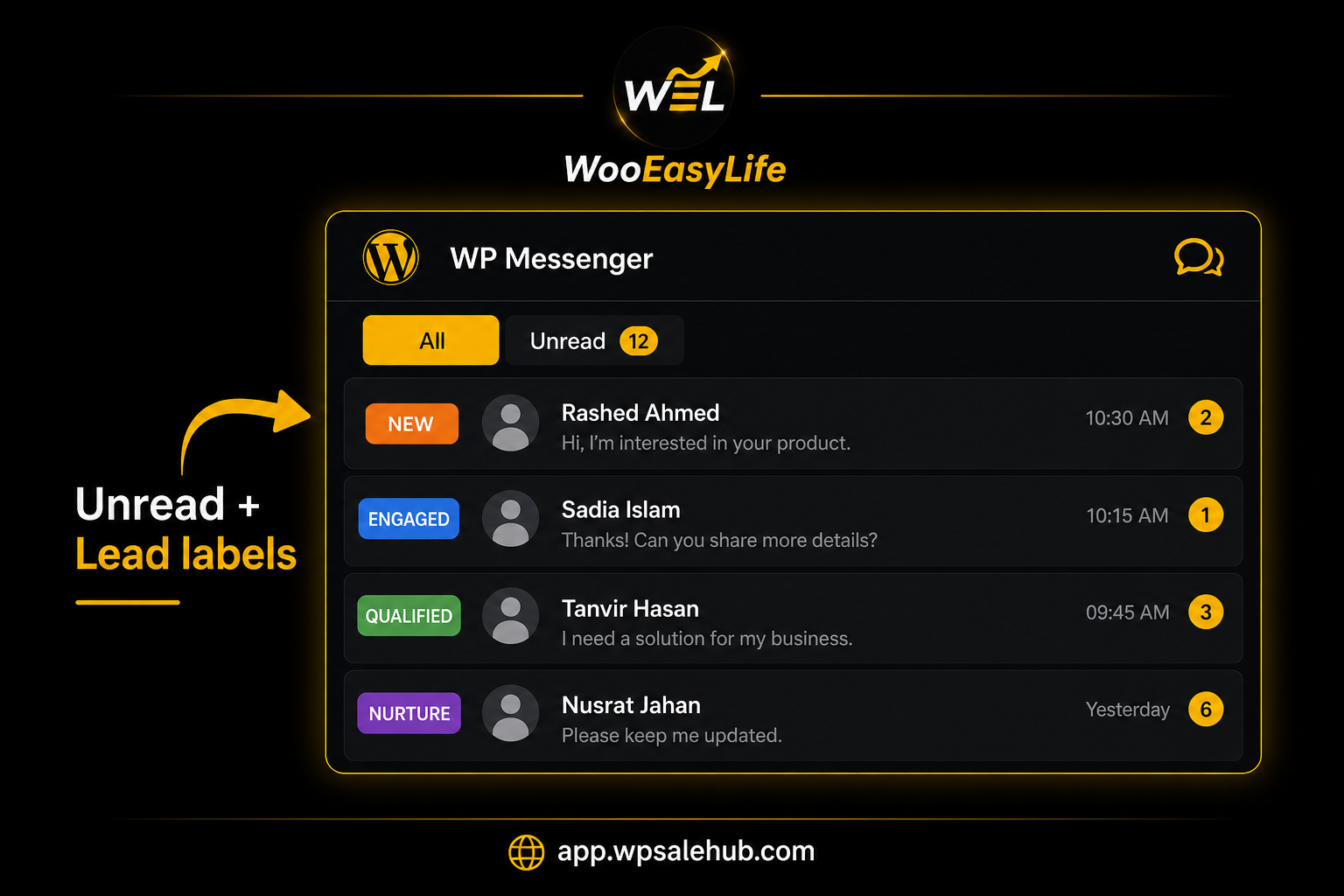
Contact pane and lead fields
The right pane shows profile, Connected status, and optional per-thread AI on/off. Phones extracted from chat land in sales lead fields—missing name, address, product, or quantity tell you what to collect next.
Lead status such as ENGAGED with a needs_human note means a person should jump in. Copy PMID and Delete conversation exist for admins—delete carefully. Small teams can split reply vs label/field work on one screen.
Even with Sales Agent available, keep Messenger → WooCommerce orders on Admin approval until the team is ready. COD payment and shipping auto-pick from WooCommerce make approved creates smoother.
How to run the day
Clear Unread first. Reply with text, image, or voice. Update labels. Fraud-check phones. Confirm safe orders and let auto-entry book. Sweep NURTURE once in the evening.
- Confirm Page Sync (one Page)
- Empty Unread first
- Labels: NEW → ENGAGED → QUALIFIED Bangla home NURTURE
- Verify mobiles on BD Fraud Checker
- Confirm → Courier Auto Entry; protection Fake Order Protection
Messenger Sales Agent—optional, honest
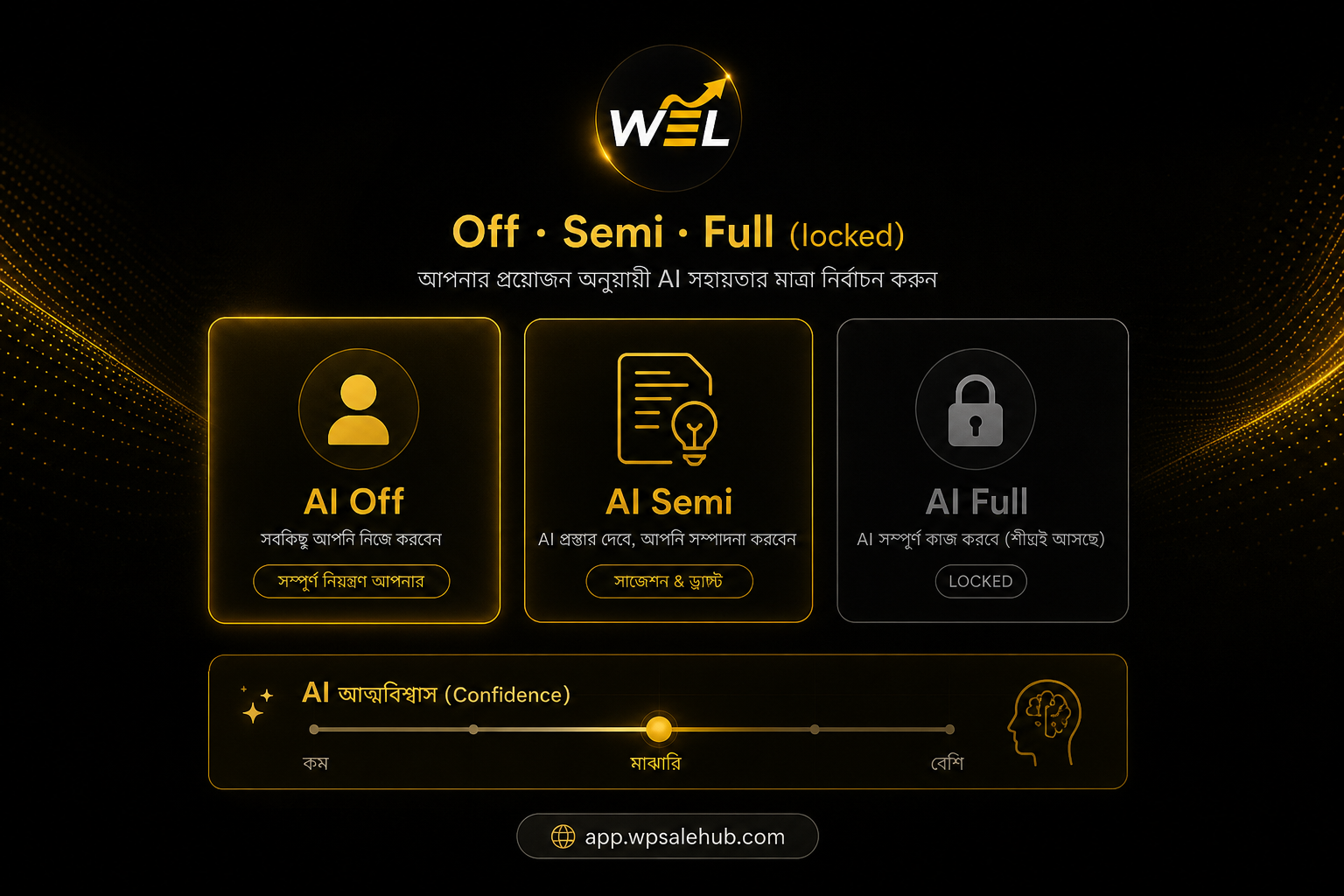
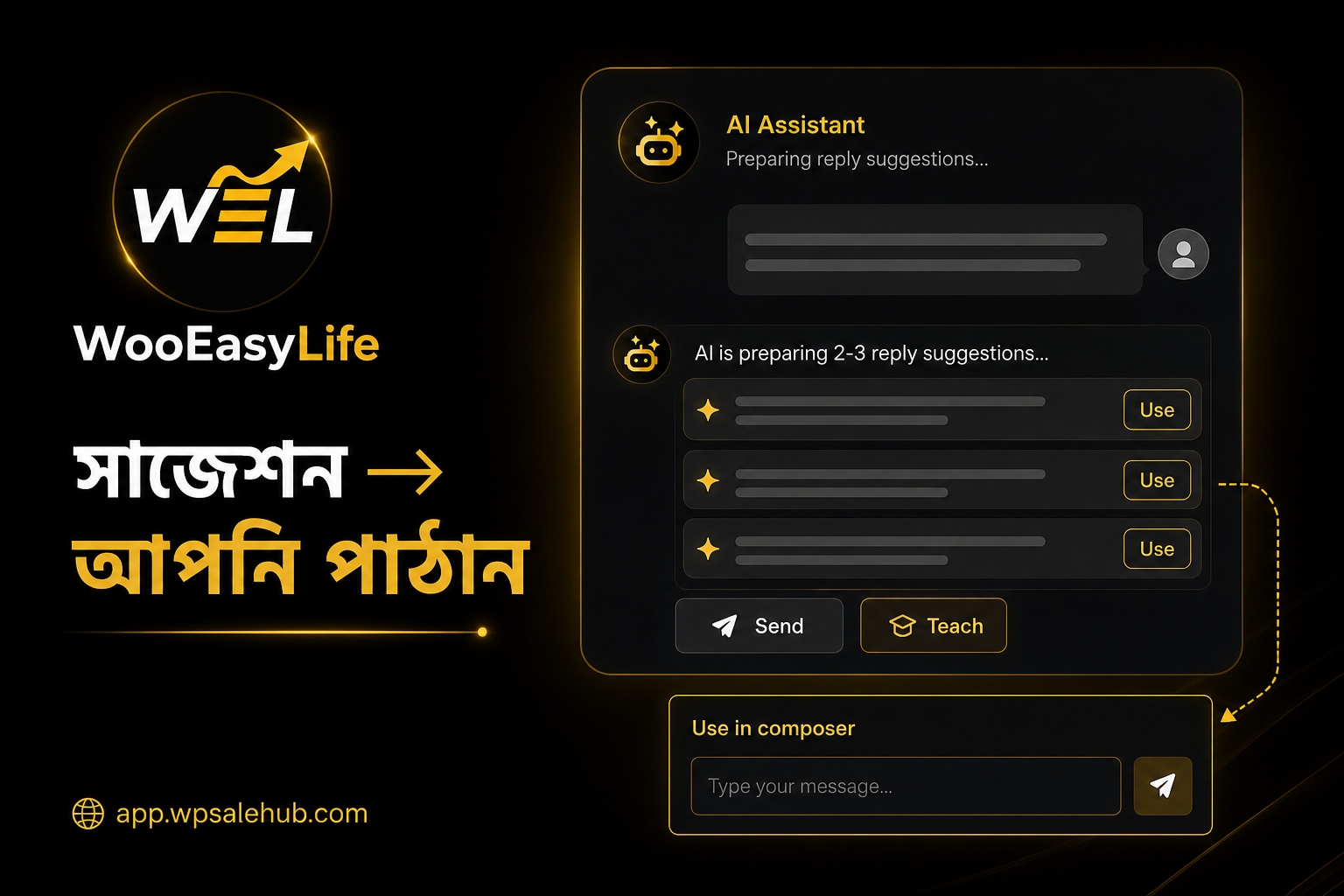
Automation modes: Off, AI Semi, and AI Full (locked). Off is a pure human inbox—fine for most starts. Semi drafts two or three replies from the latest message; you edit, send, or ignore.
Full unlock usually needs readiness around 80%+ and the Unlock checkbox. Even then confidence thresholds and human handoffs still apply—not blind auto-reply. OpenAI helps suggestions; human chat works without it.
Controls include the confidence slider, optional hold message below threshold, order confirmation defaulting to Admin approval, COD payment, shipping auto-pick from WooCommerce, and resume-after-human minutes.
Save controls when you change them.
Approved store policy covers delivery/COD/timing, package guidance, common FAQs, helpline and WhatsApp—the agent should not invent rules. We do not claim a Meta AI Bot or free Full AI on every plan.
Needs attention, Learning, Product Knowledge
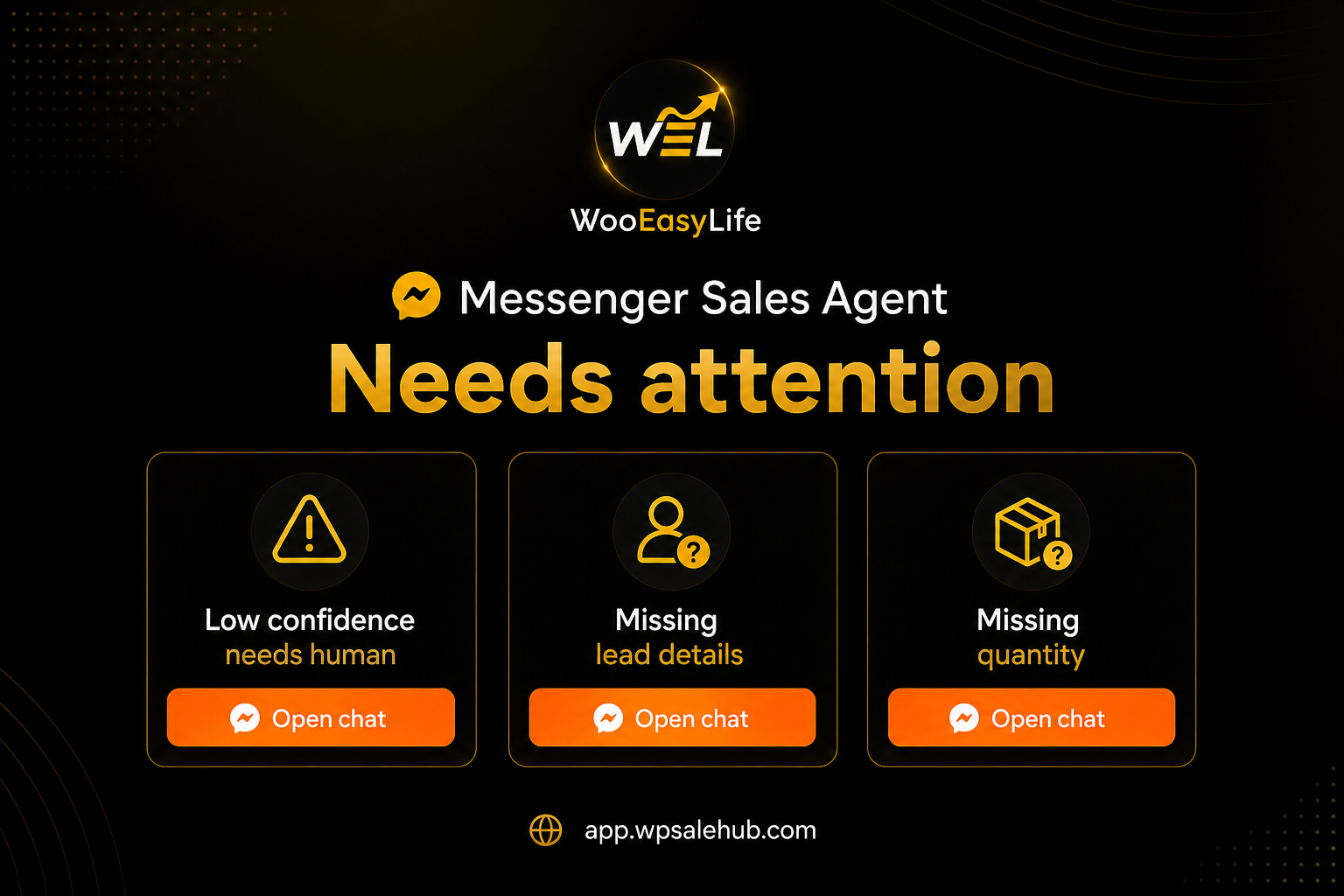
Needs attention catches what automation should not finish alone: low-confidence handoffs, missing lead fields, missing quantity. Open chat & reply; dismiss only when it is truly noise.
The gear badge means waiting handoffs or knowledge gaps.
Learning compares AI drafts to real human replies—Approve or Reject to harden the source of truth. Thumbs-down “Bad AI reply → Learning” feeds the same loop. Send & teach or Use in composer speeds fixes.
Products lets you tick which WooCommerce SKUs the agent may discuss or sell. Knowledge holds aliases, pitches, FAQs, and forbidden claims so the agent does not invent guarantees.
Scoped catalog—not the whole store blindly.
The COD stack after Messenger
Inbox brings the conversation; it does not block bad numbers. Before confirm: BD Fraud Checker. Repeats: Fake Order Protection. Safe orders: Courier Auto Entry. Monthly loss: Return Loss Calculator.
Page ops: Facebook Page COD management. Hub: English WooCommerce guide.
Automating chat while skipping fraud checks only grows returns—the inbox is step one of ops, not magic.
Who it helps—and what we do not claim
Single-Page COD sellers, small teams, and WooCommerce stores that take Messenger orders and want the inbox in WP admin.
We do not claim a storefront chat bubble, multi-Page inbox, unlocked AI Full for everyone, a separate Meta AI Bot, or full Flutter Messenger parity.
We do not trash ManyChat or Chatcat—we say our lane is a WC-native inbox plus the COD stack.
Trial: Pricing. Bangla: Facebook Messenger inbox (app.wpsalehub.com/woocommerce-facebook-messenger).
Mistakes to skip
Confirming Messenger orders blind. Buying a bubble plugin thinking it is this inbox. Ads that promise AI Full or a Meta AI Bot. Ignoring Unread. Leaving Needs attention to rot. Handing off without labels.
Turning on Semi with empty policy/Knowledge invites empty answers—approve delivery/COD notes and product Knowledge first.
Getting-started checklist
Trial on Pricing. Messenger → Page Sync. Test reply and labels on Unread. Fraud-check phones on BD Fraud Checker. Optionally enable Semi with policy/Knowledge—do not rush Full.
Keep Messenger → order on Admin approval while you learn.
One line: read Page messages in WP admin, label them, use Semi drafts if you want, fraud-check, then confirm—without getting lost in a bubble or a separate bot dashboard.